Free for every diner
Know before
you go.
Toronto restaurant inspection results, made simple.
Explore Toronto tap to see places on the map
Find a place
Map
Zoom in to see places. Dots use the filters on the Home tab. Colour shows the City's latest result.
Saved places
Tap the heart on any place to save it. Saved places are kept on this device only – no account needed.
 Weekly email – coming soonAn optional email with the latest result for each saved place. Not live yet, so nothing is sent.
Recent closures & conditional passes
Last 12 months in the City's data
Inspections from the past 12 months that resulted in a Closed notice or a Conditional Pass. A later inspection may have a different result; open a place to see its full history.
Best rated
Coming soon
Ratings coming soon.
Customer ratings will come from a licensed source such as Google Places, so they are not shown yet. This app does not make up or copy ratings.
Planned: a "highly rated places with a Pass" filter, so you can see both what people like and what the City found.
About Eat Safe Toronto
Free for diners. Independent of the City.
Eat Safe Toronto shows the food-premises inspection results that Toronto Public Health publishes as open data. We show only the City's own result words and dates; we do not give our own grades.
What the results mean (City's wording)
- Pass The premises passed the inspection.
- Conditional Pass Infractions were found and a re-inspection is required.
- Closed A closure notice was issued by the City.
Descriptions paraphrase the City's DineSafe program page. See the official page for exact definitions.
Source
Data: DineSafe – City of Toronto Open Data (). Official lookup: toronto.ca/DineSafe.
Establishment types come from the City's historical files; where an establishment can't be matched the type is left blank.
Licence
Contains information licensed under the Open Government Licence – Toronto.
Independent. Eat Safe Toronto is not operated, endorsed or sponsored by the City of Toronto or Toronto Public Health. Results reflect the inspection on the date shown and may have changed since.
Photo credits
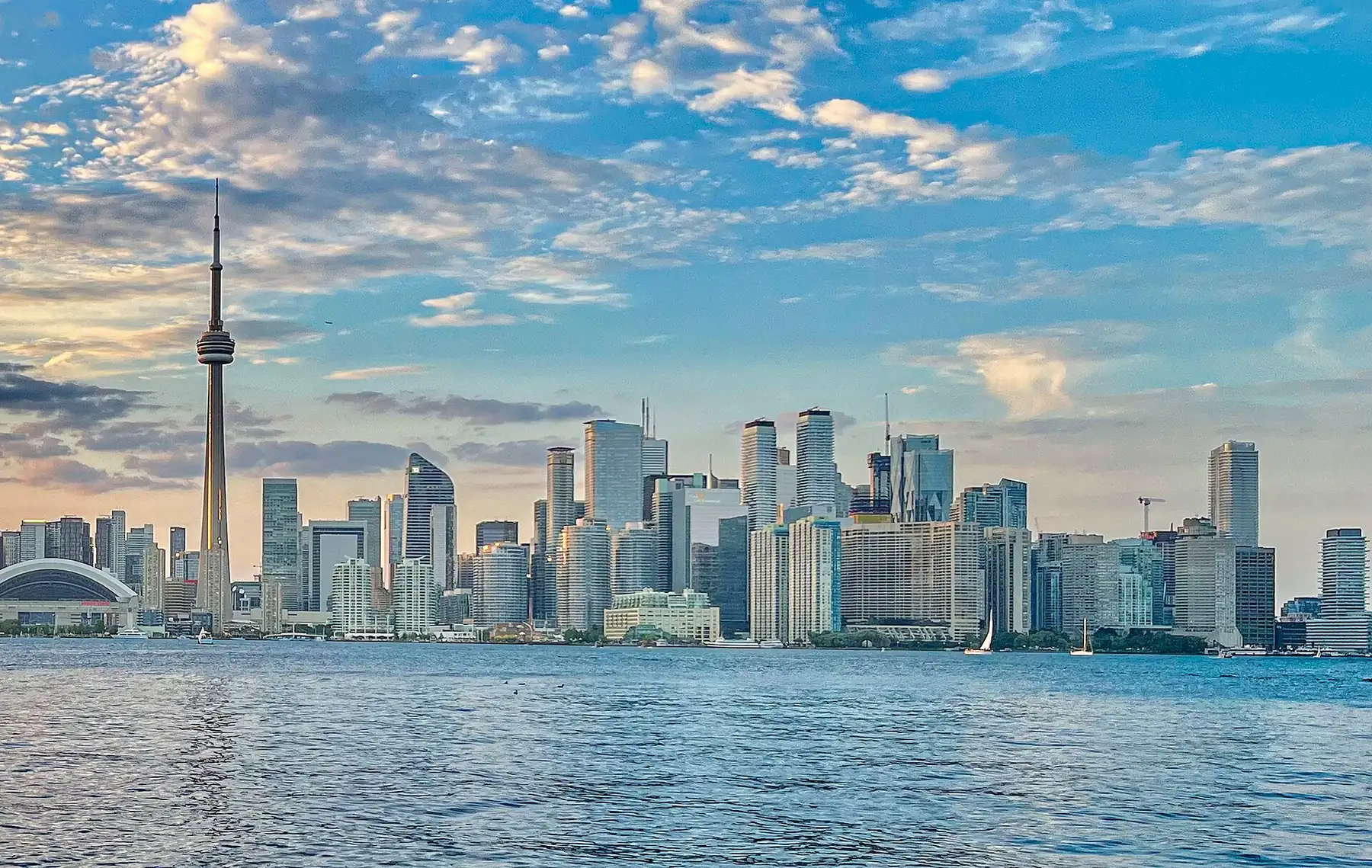
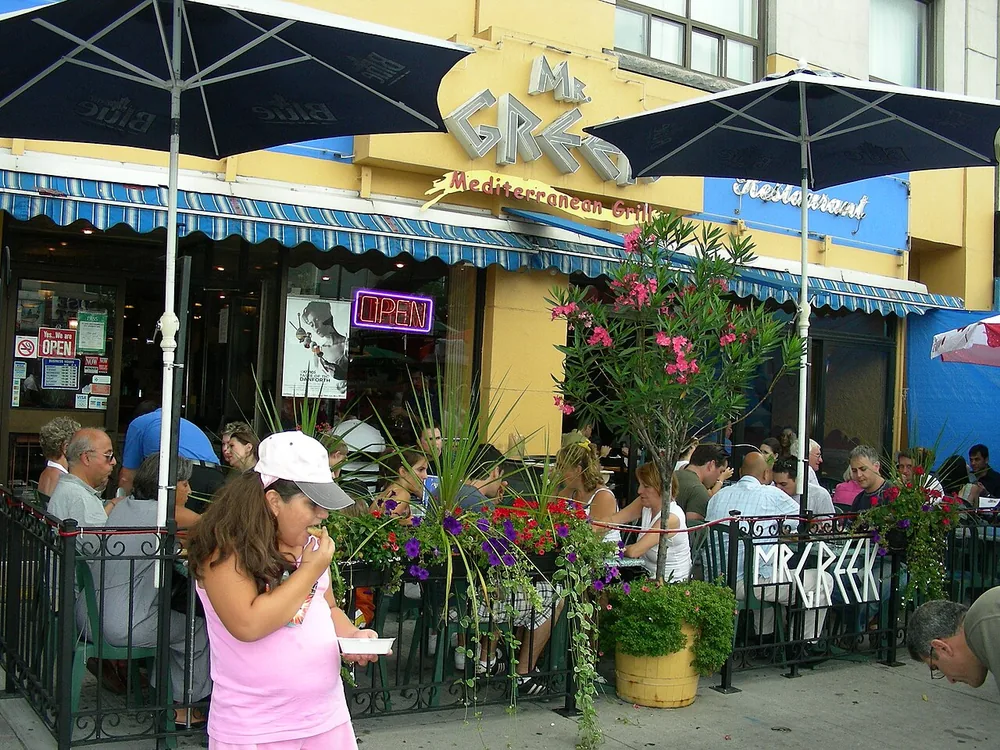
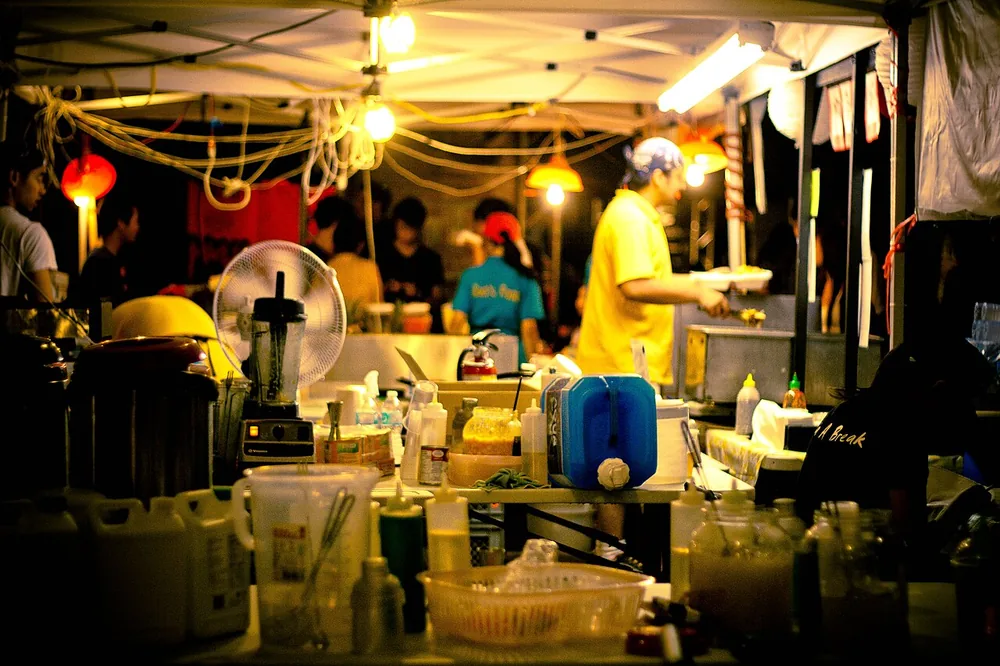
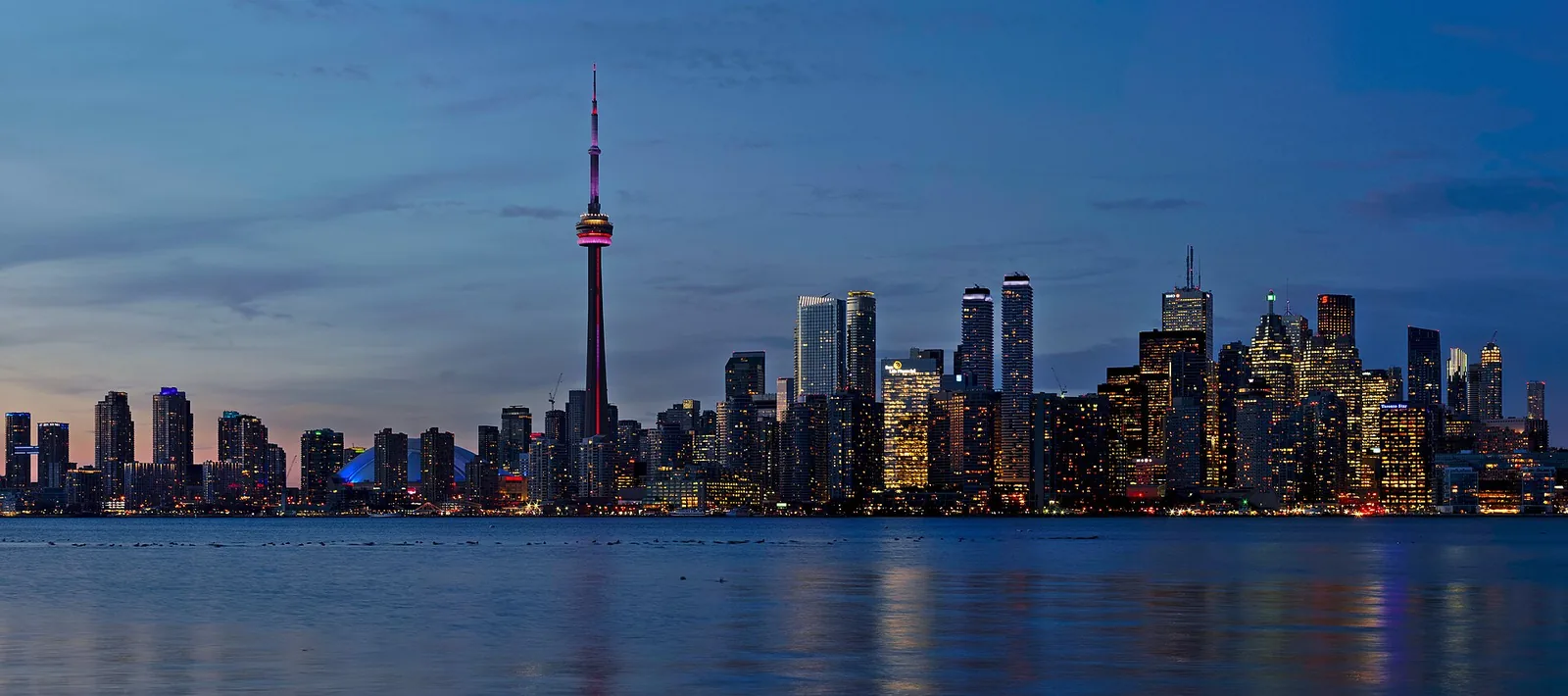
Photos are from Wikimedia Commons and used under the licences shown. Each photo was resized for the web.
Map © OpenStreetMap contributors. Typeface: Manrope (SIL Open Font Licence).